Human action
Authorized Staff
Confirms payment and enrollment readiness, then submits one controlled request.
Automation & Digital Systems
Designed and implemented a form-driven workflow that creates WordPress learner accounts when needed, assigns purchased LearnDash courses, and delivers automated access instructions using Google Forms, Google Sheets, Apps Script, the WordPress REST API, Zapier, and LearnDash
Reduced a repetitive multi-step LMS administration process to one authorized form submission
I handled manual learner account creation and course assignment for clients who needed registration assistance. Each verified enrollment required direct work inside the LMS before the learner could begin.
Receive a verified enrollment
Open WordPress
Search for or create the learner
Open the learner profile
Identify the purchased course
Assign LearnDash access
Confirm enrollment
Provide login guidance
The process created repeated administrative work, slower fulfillment, dependency on LMS backend access, and a risk of inconsistent handoffs between payment confirmation, enrollment, and learner guidance.
I wanted a controlled staff-facing interface that reduced backend work while retaining human payment verification. Automation begins only after an authorized staff member confirms the enrollment.
A verified staff submission creates a traceable request, checks whether the learner already has an account, provisions one when needed, assigns the correct LearnDash course, and closes the loop with learner and administrator confirmations.
Human checkpoint: Payment and enrollment readiness are verified before submission; this workflow does not process payment.
Stage 1
Human action
Confirms payment and enrollment readiness, then submits one controlled request.
Data collection
Collects the learner name, email, and selected-course information.
Request record
Records the timestamp and submitted fields, then supplies structured automation data.
Stage 2
Automation
Validates the submission, extracts the LearnDash course ID, and uses email as the lookup key.
Account check
Checks whether the learner email belongs to an existing WordPress account.
Decision
Converged path
Both paths continue with one learner account ready for enrollment.
Stage 3
Integration
Continues the connected workflow with validated learner and course information.
Enrollment result
Assigns the correct course to the resolved learner account.
Notification
Sends learner access guidance and administrator confirmation, closing the loop.
A consistent lookup key supports existing-account checks and new-user provisioning.
Recognizable course labels also contain the matching LearnDash course ID.
The response sheet extracts the course ID before passing it into enrollment.
Apps Script creates WordPress subscriber accounts when no learner exists.
The workflow supports both paths before course access is assigned.
Emails provide login or password-setting instructions and notify administrators.
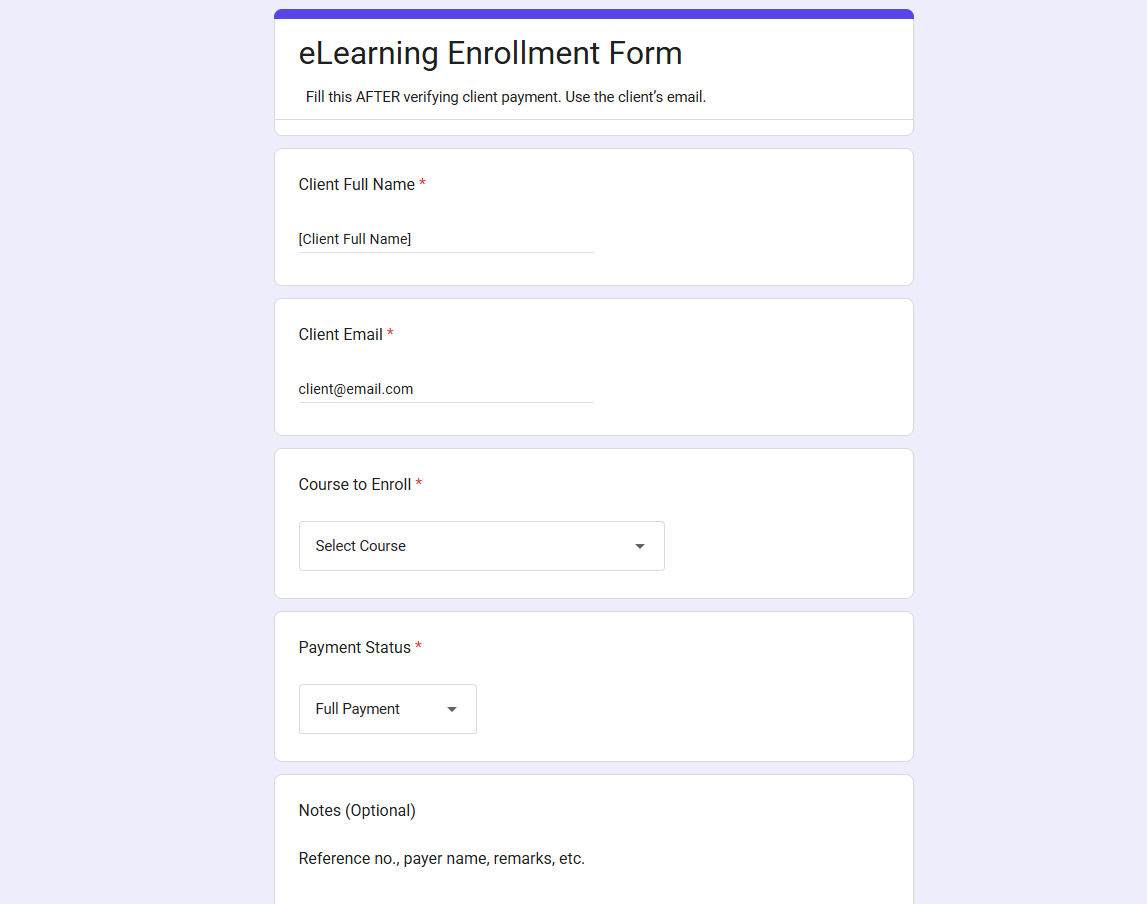
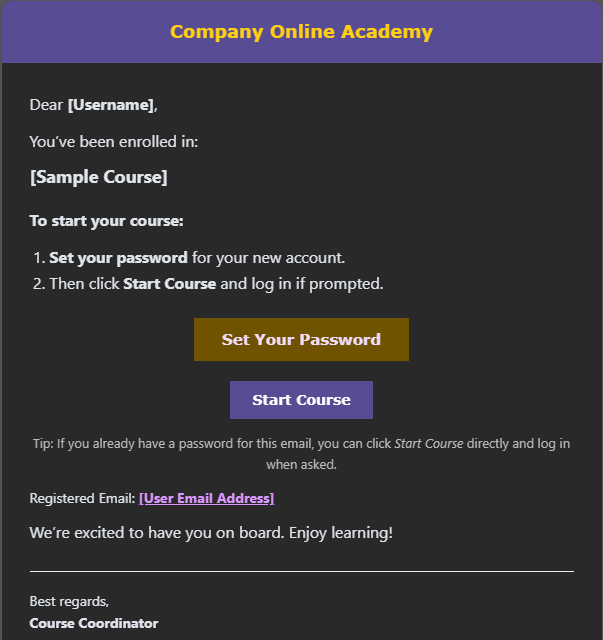
A familiar form gave staff one controlled entry point, while connected systems handled account checks, provisioning, enrollment, logging, and communication consistently.
“This was my first end-to-end workflow automation. It showed me that the work I enjoy most is not simply completing administrative tasks faster, but redesigning the underlying process so systems can perform repetitive work consistently. It also taught me that a successful automation must be secure, observable, maintainable, and designed around the people using it.”